An app that describes the world around you, out loud.
Nyota Sight uses your phone camera to describe what is around you, read text aloud, tell you where you are and keep you in touch with the people you trust.
Say what you need, for example “What is in front of me?” or “Read this”.
3.
Listen to the answer.
What it does
Describe what is around you
Nyota Sight tells you what is in front of you, or describes the room or place you are in.
Press and hold, then say “What is in front of me?” or “Describe my environment”. For example, find out what is on the table in front of you, or get a sense of a room you have just walked into.
Read text aloud
Hold your phone over a letter, a label or a sign and Nyota Sight reads the words out to you.
Press and hold, then say “Read this”. If the text is not centred, the app tells you how to move your phone so it can read it clearly.
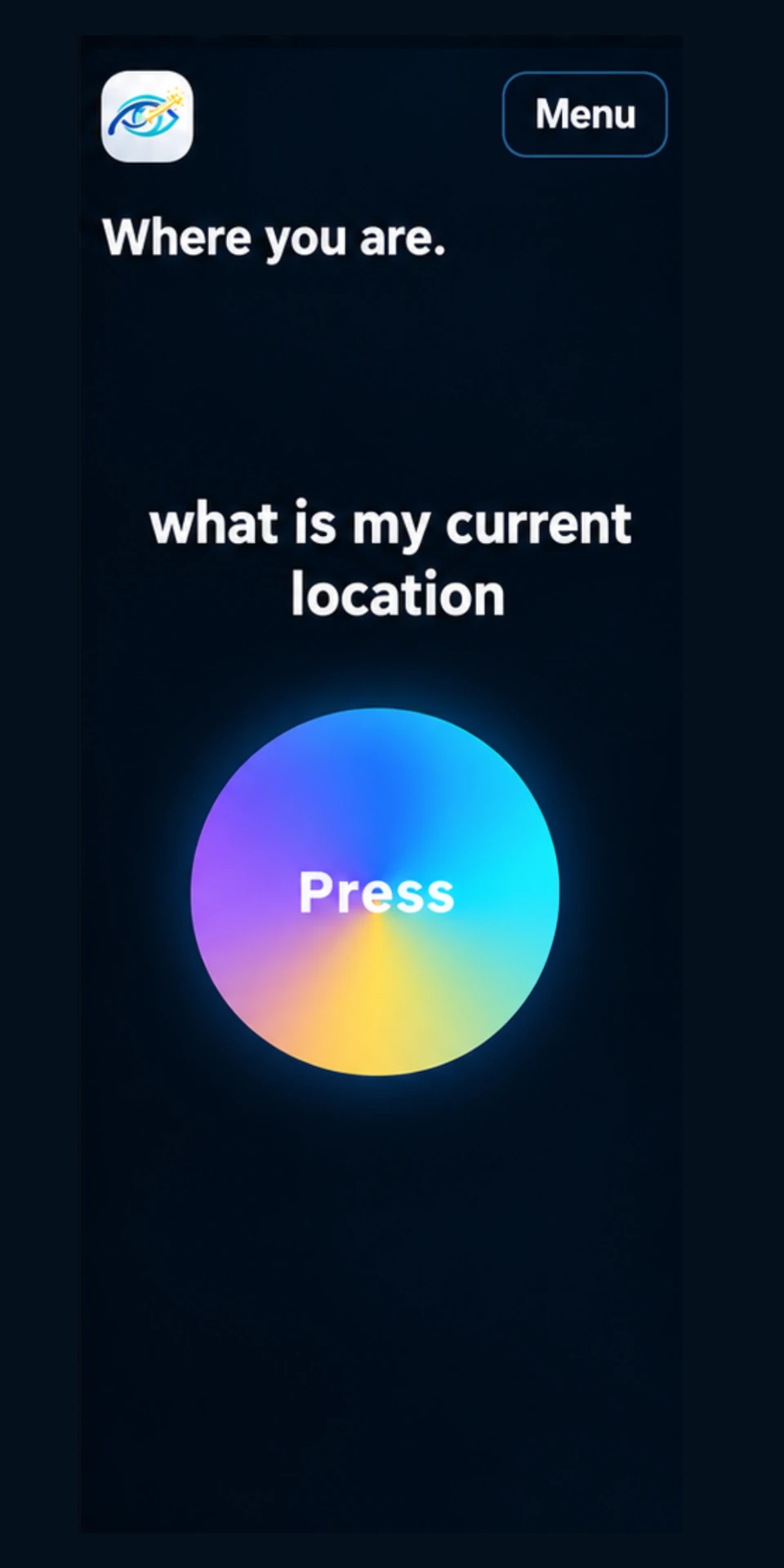
Where am I?
Find out your current location at any time.
Press and hold, then say “Where am I?” and Nyota Sight tells you where you are.
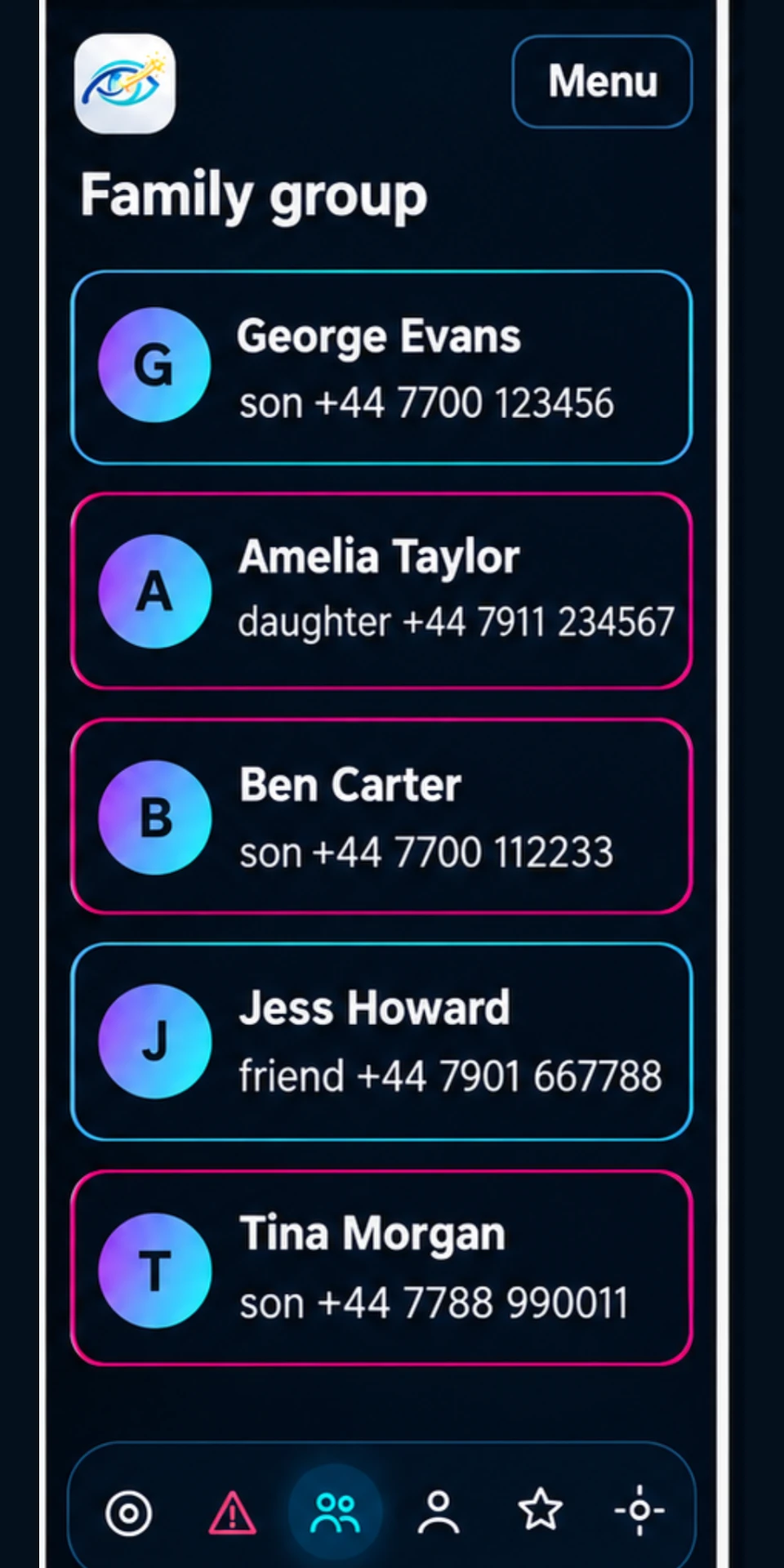
Stay in touch
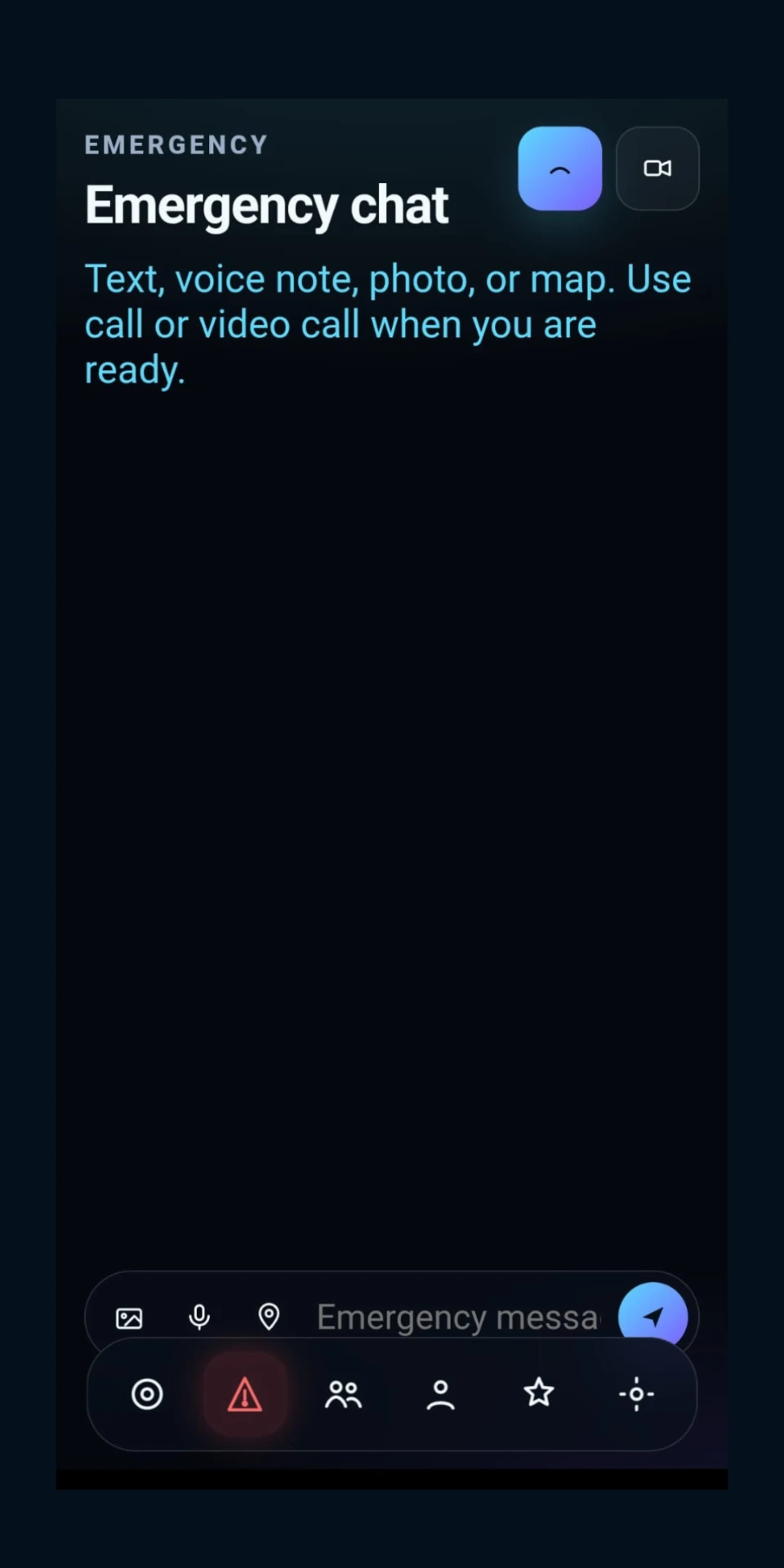
Send a message, a photo or your location to family, friends or your personal assistant.
They are notified on their phone or in their web browser, so they can see it and reply.
Emergency call to family and friends
Quickly call the family and friends you have chosen when you need help.
This does not contact emergency services. In an emergency, call 999.
Optional add onComing soon
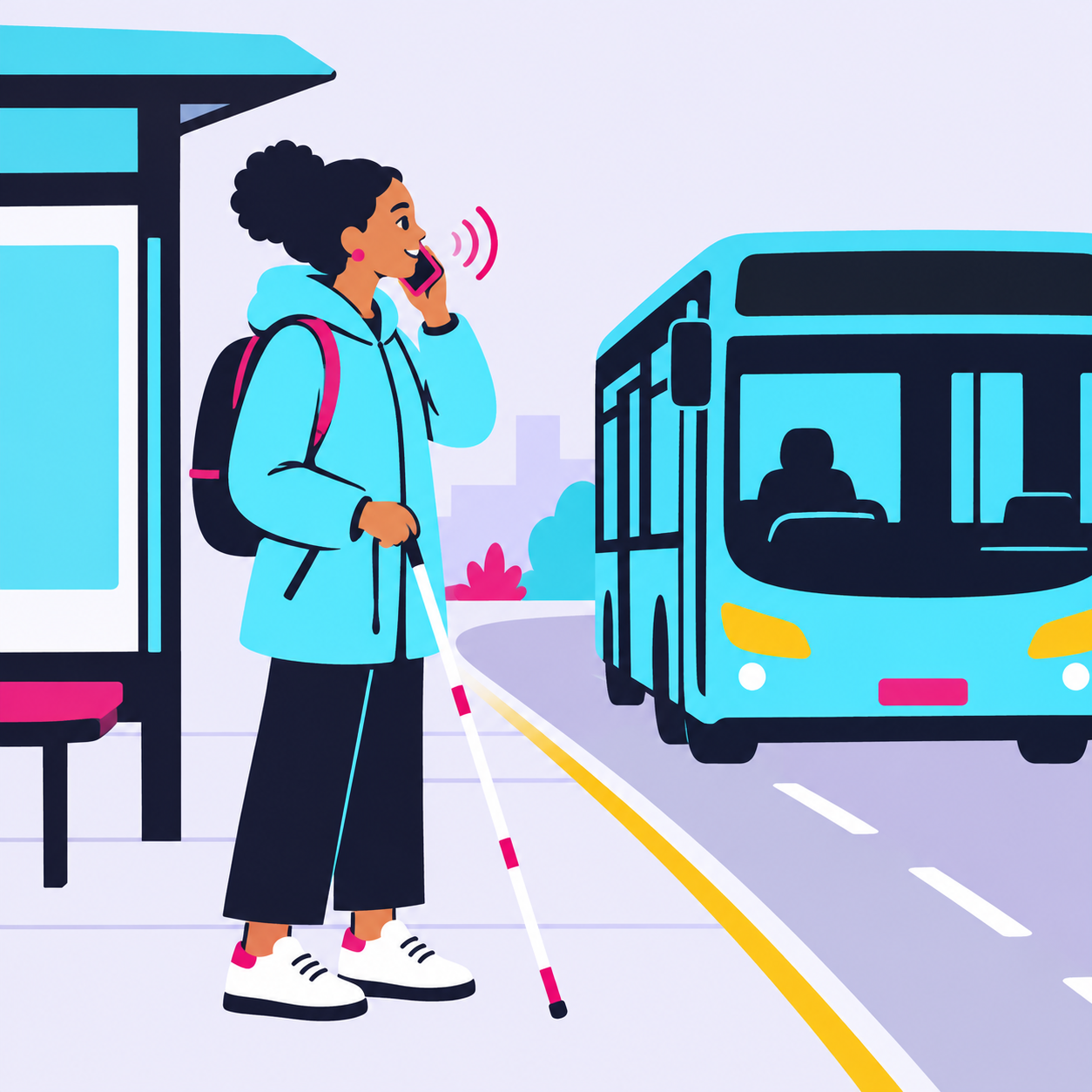
Bus arrivals
Hear live bus arrival times, and check you are getting on the right bus.
Who it is for
Visually impaired people
Use your voice and your phone camera to hear descriptions, have text read aloud, find out where you are and stay in touch. In the app, you are called a V.I.P.
Personal assistants
Family, friends or carers who support someone. Link with the person you support, receive their messages, photos and location, and reply from your phone or web browser.
How to get it
Nyota Sight is in beta. Email us to request the link and we will send it to you.
Android, using Chrome
Open Chrome and go to the Nyota Sight web address.
Open the Chrome menu, the three dots at the top right.
Choose "Add to Home screen".
Confirm by choosing "Install" or "Add".
Open Nyota Sight from your home screen and allow camera access.
iPhone, using Safari
Open Safari and go to the Nyota Sight web address.
Choose the Share button at the bottom of the screen.
Scroll the share options and choose "Add to Home Screen".
Choose "Add" at the top right.
Open Nyota Sight from your home screen and allow camera access.
Need help setting it up?
Email us to book a time and we will talk you through it.
We are working on bringing Nyota Sight to the App Store and Google Play.
Join our focus group
We are inviting visually impaired people, personal assistants and organisations to help shape Nyota Technology products. Sessions are online and in person.